256 square · Forge Orange #D44F13 · 1:1
Bricolage ExtraBold · 168 high · 1:1
44 square pixel · 1:1


Bricolage ExtraBold · outlined · 30%
Scroll to see all four parts.
SVG masters, PNG exports, the guidelines and the presentation board.


Build the kit
A square tile, a lowercase t and a pixel full stop. Tuumpiksel is built from three parts; this page shows how they fit.
01The tile
The tile is 256 square. Forge Orange #D44F13 on cream; the same orange in both themes. The square is the pixel: the unit the rest of the mark is measured against.
1:1 · 256
02The t
The t is Bricolage ExtraBold at 168, outlined so it never depends on a font file. The square tittle in the wordmark is the same pixel unit, scaled down.
168 high · outlined
03The dot
The full stop is a 44 square pixel, not a round dot. It closes the t and names the second half of Tuumpiksel; keep its corners square.
44 square
04The lockup
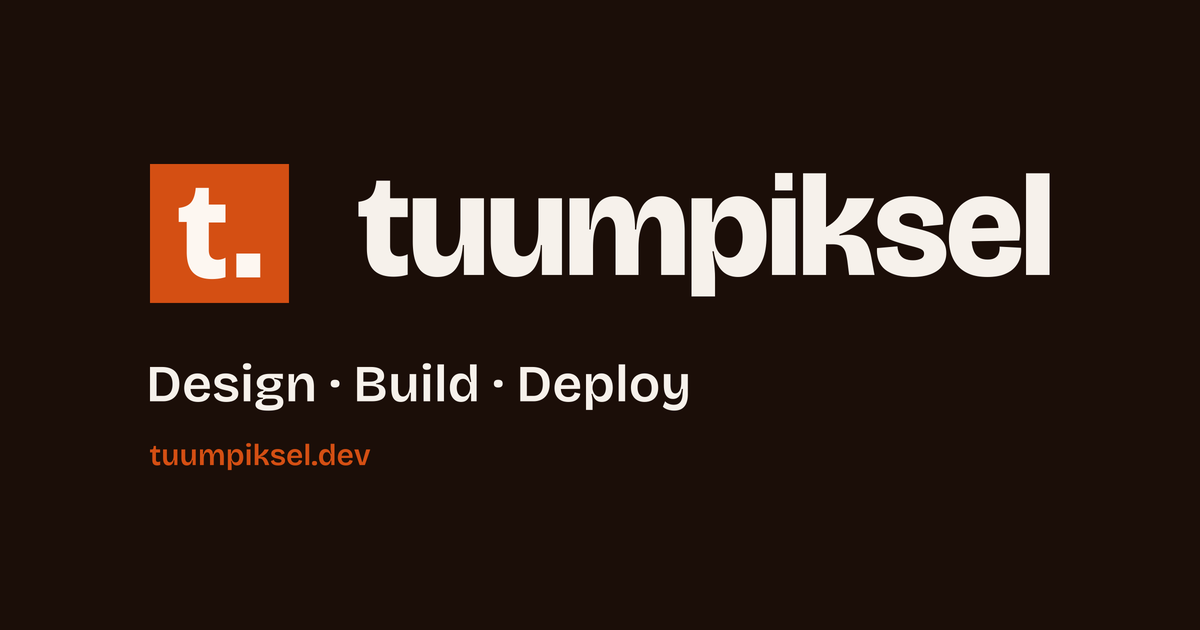
The lockup is 1658 wide and 256 tall: the tile, 128 of air, then the wordmark at 232. Light for cream; dark for ink. Never set the wordmark as live text.
1658 × 256
outlined · -0.02em
05The registers
The mark works as a colour tile, a single-colour ink tile, and a reversed cream tile on dark. The same mark carries the favicon, the app icon and the avatar.
colour · mono · reversed
Type
The wordmark is Bricolage Grotesque ExtraBold, outlined, tracking -0.02em, with a square tittle. The same family sets this page and the site.
Bricolage Grotesque ExtraBold
Colour
Forge Orange carries the mark; Warm Cream and Warm Ink carry everything else. On dark, the pair flips to #F6F1EB and #100703. One accent, no gradients, no pure black or white.
Forge Orange
#D44F13
oklch(60% 0.18 40)
Warm Cream
#FDF7F1
oklch(98% 0.01 70)
Warm Ink
#1B0E08
oklch(18% 0.025 50)
Dark ink
#F6F1EB
oklch(96% 0.01 70)
Dark paper
#100703
oklch(14% 0.02 50)
Use brand-700 for small text on orange.



App icon


06The rules
Keep 64 clear on every side. The mark holds at 16; the lockup at 32 high and 207 wide. Use the masters; do not redraw the t or the dot.
64 clear · 16 / 32
16
32
64
Do
- Use the masters.
- Keep 64 clear.
- Use the dark lockup on dark.
- Stay at or above 16 px.
Don't
- Recolour the tile or the t.
- Stretch or skew.
- Add shadows, outlines or gradients.
- Rebuild the t or the dot.
- Set the wordmark as live text.
07Download
The kit carries the masters, the exports, the guidelines and the presentation board. Use the SVG on screens and the PNG where a raster is needed.
zip · board · guidelines